
Gaming routines
15–20 Minutes on Xbox: Three Activities for a Short Break
A high score in a Halo Weapon Drill, an FH6 finish or a clean Motorsport lap: activities with a clear result. Prepare a familiar mode in advance and leave time to finish.
On this page
If you have 15–20 minutes for Xbox, choose a mode with a clear result: a Halo Infinite Weapon Drill, one Forza Horizon 6 race or an attempt to improve a Forza Motorsport lap. That is the length of your break, not a promised duration for each game: launching, queues and campaign state change the time available. This selection assumes an installed or accessible cloud game that you already know at least a little.
Three activities with clear endings
| What you want | Game and mode | A completed result | What to prepare in advance |
|---|---|---|---|
| Aim better and improve a personal result | Halo Infinite → Academy → Weapon Drills, a finite Tier 1–3 drill | A star-results screen and a recorded drill high score | A chosen weapon, controls and tier; not Endless |
| Finish a proper race | Forza Horizon 6 → unlocked Shirakawa Circuit | The finish of the chosen solo event and a recorded result | The introduction completed, map open and event available |
| Compete against your own time | Forza Motorsport → Rivals / Time Attack | A completed clean lap and a recorded time | A familiar track, car and assist settings |
Halo Infinite: one weapon and one attempt for stars
Open Academy → Weapon Drills, choose a weapon and a finite tier. Tier 1 targets are stationary; later tiers use more demanding movement. The goal is to finish the drill and improve your own result. Stars appear at the end, and the drill menu records your best score. It is a small, self-contained challenge even if you have no plans to enter an online match afterward.
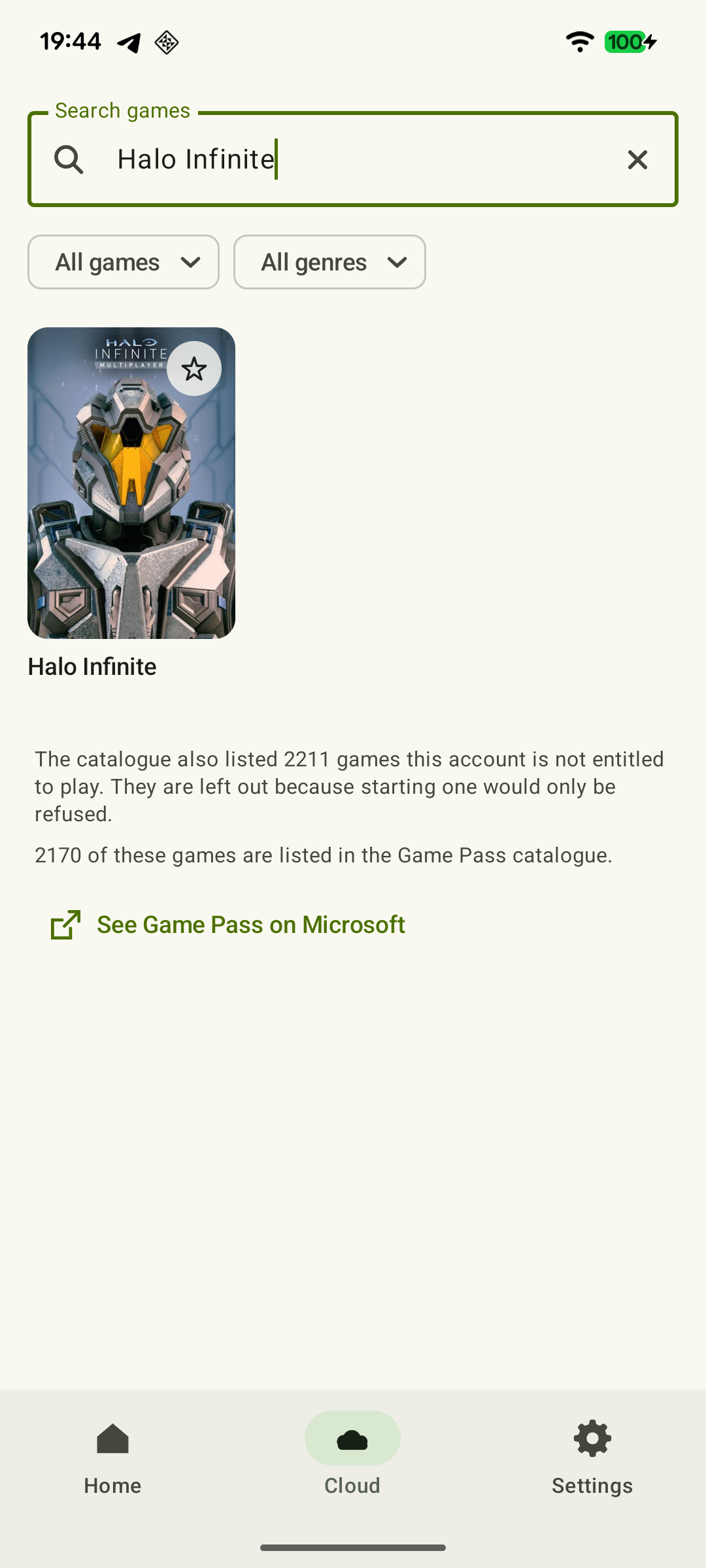 Enlarge screenshot
For a break with a firm endpoint, avoid Endless: it is practice without a limit or a timed finish. After the result, you can end the session or try again if time remains. Academy is part of Halo Infinite's free console multiplayer; cloud-launch terms are checked separately. Launching and settings are covered in the Halo on Android guide.
Forza Horizon 6: reach the finish instead of getting stuck in setup
Shirakawa Circuit is among the early events available after the opening sequence and map unlock. If you have already completed that part, choose the event for a solo race, use a familiar car and drive through to the final result. A clear finish helps you stop: the next race can wait for the next break.
Try FH6 for the first time during a free evening: the prologue, character selection and world opening should not be squeezed into the last few minutes before leaving. Do not choose an unfamiliar long event just because it looks like one icon on the map. Use a route you already know. Series X|S and cloud access are covered in the FH6 guide.
Forza Motorsport: one clean lap
In Rivals and Time Attack, the result is a time for a chosen car-and-track combination. Take a familiar setup and set a modest racing goal: complete a clean lap or improve a braking point enough to gain time at the finish. After completing the lap, check the recorded result and leave the attempt through the mode's normal exit.
Do not tie the break to a time-limited Featured Rivals reward: available events change. Competing against your own time is worthwhile without a seasonal objective. Choose a track based on your experience driving it; an unfamiliar long lap does not become short because it is “one” lap. The racing roundup compares Motorsport with Horizon and DIRT 5.
When another time is better
A short window is awkward for a large game's first launch, mandatory tutorials, an unfamiliar online expedition or matches you cannot comfortably leave. Turn-based combat does not guarantee a quick finish either. In Xbox Stardew Valley, you must finish an in-game day to save: use your experience of a normal day, not a universal fifteen-minute promise.
If a queue or connection used up much of the break, choose a familiar finite drill or a prepared local game. Do not begin a shared match planning to abandon it when boarding starts. Before a trip, prepare games, saves and an offline backup.
Prepare a quick start and a proper finish
- In your free time, finish updates and open the desired mode. For Remote Play, complete the first Xbox launch; for the cloud, check the game and access using the Cloud Gaming guide.
- Have a familiar controller or saved touch layout ready. Finish remapping buttons and finding the right menu before the short break.
- While playing, aim for the completed result: drill stars, an event finish or a recorded lap. Before ending the stream, wait for the game to save.
After your first session of this kind, note the actual time for the whole process on your setup: from opening the client to the result and exit. It is more useful than estimating only the fight or lap. The small tool below helps allocate time you already know; it does not predict queues or unfamiliar event durations.
Divide up your break
Subtract your usual startup and finishing time from the total window. If the remaining time is too short, choose a shorter familiar goal. This calculates your plan; it does not determine whether you can finish the selected mode in time.
Your available playing time
Your available playing time
An optional calculation: enter startup and finishing times you already know. The result does not account for an unexpected queue or the duration of a new event.
If launching takes longer, shorten the gameplay plan. Do not cut the time needed to finish and save properly.
Sources and further reading
- Xbox Remote Play — Streaming installed games from your own Xbox One or Series X|S with remote features enabled.
- Xbox Cloud Gaming — Xbox Cloud Gaming: supported games, regions, devices and access requirements.
- XBPlayer — Remote Play and Xbox Cloud Gaming — XBPlayer: Remote Play, Xbox Cloud Gaming, controller support and customizable on-screen controls.
- Saves — Stardew Valley Wiki — Community reference: saving at the end of a day; in co-op, every player must finish the day.
- Player Menu — Stardew Valley Wiki — Community reference: quitting mid-day on console does not save that day's progress; the mobile version has separate rules.
- Halo Infinite Academy — Weapon Drills, difficulty tiers, stars and high scores; the difference between finite drills, Endless and Training Mode.
- First Drive: A Forza Horizon 6 Starting Guide — The prologue, opening up the map and the early Shirakawa Circuit and Hokubu Time Attack events.
- Forza Motorsport: Rivals and Time Attack — Description of Rivals and Time Attack as lap-time competition. The article concerns a 2024 event.
Get the key points
Open a summary request with this article’s link. For Gemini, the request is copied — paste it into the chat.